- NextCareerStep
- Posts
- Google Introduces Data Science Agent
Google Introduces Data Science Agent
FREE Download: 200+ AI powered income ideas

Shailesh Shakya
November 08, 2025
In partnership with


Google Introduces DS-STAR: A Data Science Agent
200+ AI powered Income Ideas By HubSpot
Generative AI for Software Development Skill Certificate
Excel Tips to make everyday task simpler
OpenAI Introduces IndQA
Google Gemini 3.0 is about to lunch soon
MiniMax-M2 : New Open Source Model That’s 2x Faster Than Claude
Google Upgrades NotebookLM for Better Learning experience
Google Maps just got smarter with a new AI upgrade powered by Gemini.
Custom GPT That Writes Resumes Under 5 Minutes
Google Introduces DS-STAR: A Data Science Agent

Google has launched DS-STAR, a new data science agent that can handle the full analytics process from start to finish. It takes care of everything — cleaning data, creating visuals, building models, and even checking the results. Created by Google Cloud researchers Jinsung Yoon and Jaehyun Nam, DS-STAR has already beaten other AI data agents like AutoGen and DA-Agent on top benchmarks such as DABStep, KramaBench, and DA-Code. It now holds the number one spot on DABStep.
What makes DS-STAR different is its ability to work with any kind of data. It doesn’t stop at structured files like CSVs. It can also process unstructured formats like JSON, text, and markdown. It comes with three main features: a data file analysis module that reads and understands different file types, a Verifier agent powered by an LLM that checks accuracy at every step, and an iterative planning process that keeps improving results until everything is verified.
The system works much like how real analysts use notebooks such as Colab. It builds, tests, and refines its work in a loop. This helps DS-STAR deliver verified insights, trained models, and polished visualizations automatically. According to Google, DS-STAR not only boosts accuracy but also makes advanced data science tasks easier for both professionals and teams who want faster, cleaner results.
200+ AI powered Income Ideas By HubSpot
Turn AI into Your Income Engine

Ready to transform artificial intelligence from a buzzword into your personal revenue generator?
HubSpot’s groundbreaking guide "200+ AI-Powered Income Ideas" is your gateway to financial innovation in the digital age.
Inside you'll discover:
A curated collection of 200+ profitable opportunities spanning content creation, e-commerce, gaming, and emerging digital markets—each vetted for real-world potential
Step-by-step implementation guides designed for beginners, making AI accessible regardless of your technical background
Cutting-edge strategies aligned with current market trends, ensuring your ventures stay ahead of the curve
Download your guide today and unlock a future where artificial intelligence powers your success. Your next income stream is waiting.
Generative AI for Software Development Skill Certificate
Learn how LLMs work. By knowing how machine learning systems work, you’ll be able to use them more effectively to support your work as a developer.
Experiment quickly. Using LLMs can speed up your ability to prototype and test new features, allowing you to quickly iterate and ship your code.
Optimize your code quality. Get to production-ready code faster by working with an LLM to find and fix bugs.
Team up with AI on engineering tasks. Break through roadblocks and with your team by leveraging an LLM’s knowledge of development roles and tasks.
Excel Tips to make everyday task simpler
Most Excel users rely on formulas and charts, but a few lesser-known tools can make everyday tasks faster and cleaner.
1. F4 repeats your last action. Whether you’re formatting, deleting rows, or inserting columns, pressing F4 instantly repeats the previous step—no menus or mouse clicks required. It’s perfect for repetitive formatting or editing tasks.
2. Filled Map creates instant visuals. With location-based data, Excel can automatically plot countries or regions into a color-coded map. It’s great for displaying sales, distribution, or performance by geography in seconds.
3. Show Formulas (Ctrl + `) reveals every formula in a sheet at once, helping users audit logic, trace dependencies, and spot errors without clicking cell by cell.
4. Start with an apostrophe (') when you want Excel to keep your input as text. It prevents the program from automatically converting entries like “1/2” into a date.
5. Convert data into a table (Ctrl + T) to keep your sheet structured. Tables auto-expand, maintain formula integrity, and use column names instead of cell references—making them cleaner and easier to manage.
6. Name Manager (Ctrl + F3) allows assigning names to cells or ranges (like “Profit” or “TaxRate”) to make formulas readable and consistent across a workbook.
These small, often-overlooked tools save time and reduce errors. They’re not flashy, but for anyone who lives in Excel daily, they quietly turn hours of manual work into minutes.
OpenAI Introduces IndQA

OpenAI has introduced IndQA, a new benchmark built to test how well AI understands Indian culture, languages, and communication styles. It was created with help from more than 250 Indian experts and includes 2,278 questions across 12 languages such as Hindi, Bengali, Tamil, Telugu, Malayalam, Marathi, Gujarati, Kannada, Punjabi, Odia, English, and Hinglish. The benchmark also covers 10 cultural areas, including food, literature, religion, history, and daily life.
According to OpenAI, India was the natural place to begin since it’s ChatGPT’s second-largest market and home to over a billion non-English speakers. The company noted that its models are improving at handling Indian-language tasks but still have room to grow.
The launch also reflects OpenAI’s larger push into India. The company recently opened its first office in Delhi, started hiring locally, and made ChatGPT Go free for one year to expand access across the country.
Google Gemini 3.0 is about to lunch soon
Google’s Gemini 3.0 is set to become one of the most powerful AI models yet, built to rival OpenAI’s GPT series. It brings major improvements in reasoning, coding, and visual understanding, allowing it to work smoothly across text, images, and data. Early results show it outperforming competitors in both creative and real-world tests.
Launching in November 2025, Gemini 3.0 can analyze visuals, write cleaner code, and respond with context across formats. It’s designed to help developers, researchers, and businesses work faster and smarter. More than just an upgrade, it signals Google’s push to lead the next wave of AI innovation.
MiniMax-M2 : New Open Source Model That’s 2x Faster Than Claude (Source)

MiniMax-M2 is a breakthrough open-source AI model that delivers twice the speed of Anthropic’s Claude Sonnet at just 8% of the cost, redefining the balance between performance, speed, and affordability. Built on a Mixture-of-Experts (MoE) architecture with 230 billion parameters—of which only 10 billion activate per task—MiniMax-M2 achieves remarkable efficiency without sacrificing accuracy.
The model supports text, audio, image, video, and music processing, making it one of the most versatile open-source systems available. It powers a global ecosystem of tools such as Miniax Agent, Helio AI, and Talki, serving over 157 million users in 200+ countries. Benchmarks show leading performance across tasks like coding (69.4), data reasoning (65.5), and search and retrieval (44), rivaling GPT-5 and Claude 4.5.
MiniMax-M2’s standout feature is its self-testing and continuous evolution capability—allowing it to independently generate, test, and refine outputs. This makes it adaptable for real-world applications in software engineering, creative content, customer service, and data analytics. By combining low computational cost with high scalability, MiniMax-M2 democratizes access to cutting-edge AI, offering individuals and organizations a powerful, affordable alternative for innovation and research.
Google Upgrades NotebookLM for Better Study
Google has upgraded NotebookLM’s mobile app, bringing its best AI-powered study tools… flashcards, quizzes, and an improved Gemini chat… directly to smartphones. Previously limited to desktop, users can now create and customize study materials anywhere, even minutes before an exam. The new mobile version allows students to build flashcards, set quiz difficulty, and control which uploaded sources the AI draws from, ensuring focused, on-the-go learning.
NotebookLM, originally designed as an academic assistant, now functions as a comprehensive study companion, pulling insights from documents, notes, and even YouTube transcripts. The update also expands Gemini’s capabilities with 8x longer context windows and better memory, helping the AI maintain conversation flow across longer sessions.
Google Maps just got smarter with a new AI upgrade powered by Gemini.
Instead of typing or tapping through menus, you can now talk to Maps naturally. Ask things like “Where’s a good place to eat nearby?” or “What landmark do I turn at?” and get quick, clear answers.
The update focuses on hands-free navigation that feels more human. Gemini can now mention real landmarks instead of just distances, making directions easier to follow. It uses Google’s massive database of 250 million locations and reviews to give reliable results while keeping errors low.
This new version is rolling out on Android and iOS, bringing conversational AI to over 2 billion users and showing how deeply Google is weaving Gemini into everyday tools.
Custom GPT That Writes Resumes Under 5 Minutes
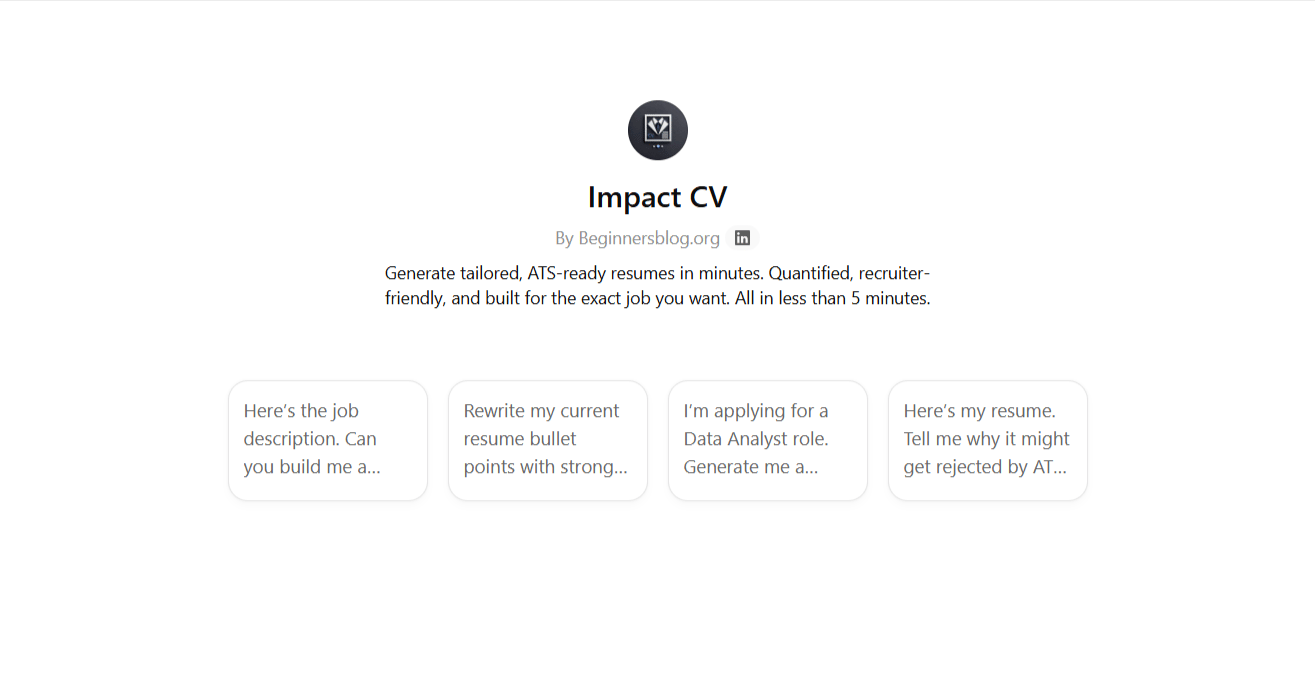
Crafting a résumé shouldn’t feel like a full-time job. Yet most job seekers spend hours tweaking bullet points, reformatting sections, and rewriting summaries only to get rejected without explanation.
Even worse? Many turn to ChatGPT hoping it will “just write a résumé,” but the results are usually generic, robotic, and instantly ignored by recruiters.
You end up wasting even more time prompting, editing, and re-prompting and still don’t get interviews.
That’s why I built Impact CV GPT. A ChatGPT tool trained specifically on REUSME to help you Generate tailored, ATS-ready resumes in minutes. Quantified, recruiter-friendly, and built for the exact job you want. All in less than 5 minutes.
How much are satisfied with today's newsletter |
Until next time - shailesh and NextStepCareer